
Loving the Sonos S5 Multi Room Wireless Music System
June 24, 2010 by Lisa Oshima | Review

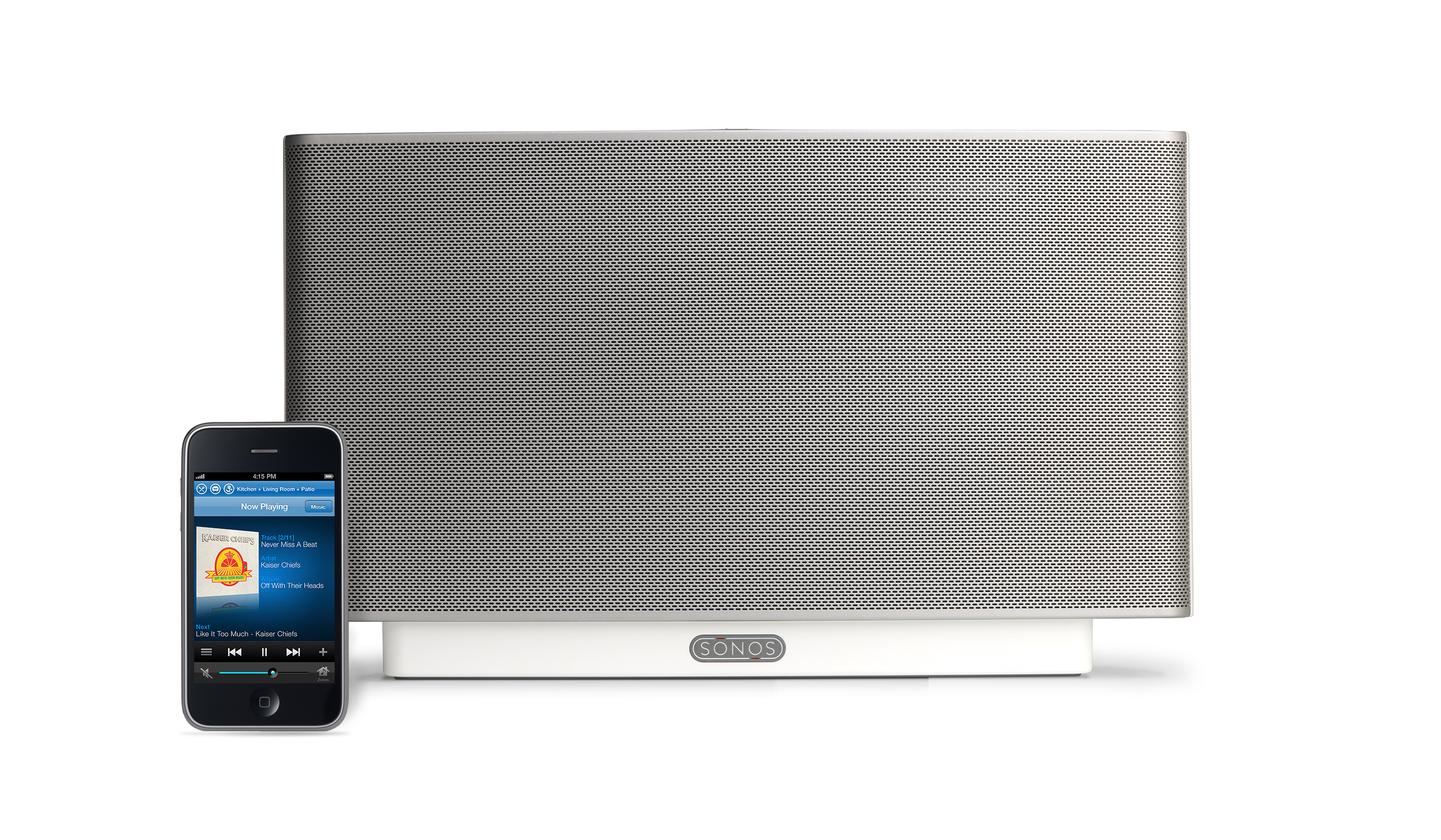 When I read Sonos‘ claim on their website that the wireless music player “works like magic,” I was more than a little suspect… I mean really… magic? These days, so much home technology is overly complicated and practically requires an engineering degree to figure out. So, I was incredibly surprised and impressed when I tried the Sonos S5 Multi Room Music System… It was actually EASY!
By way of background, I love music. I’ve got more music than my iPod can handle, and I would have hard wired my house years with speakers years ago if doing so hadn’t been cost-prohibitive and against my love of all things wireless. I’d been hearing about Sonos for years, but the early versions seemed a little too complicated, and I assumed connecting multiple rooms would be beyond my budget. So, instead of buying the early Sonos, I went for the do-it-yourself option… I bought some wireless speakers and jerryrigged them to my living room speaker system. The sound quality from the wireless speakers left something to be desired, and I could only control my music from one room. Sigh.
Several years have passed since then, and I continued to put up with woefully inadequate sound until, a journalist friend suggested I try the Sonos S5. A few weeks later, I was loaned an evaluation unit, and now I’m dreading having to give it back… It provides phenomenal sound quality and musical choice (streaming music from iTunes, internet, SIRIUS, Pandora, Rhapsody, Napster, and more), and it is incredibly easy to set-up.
The sound is amazing quality. Each wireless speaker is actually a 5-driver speaker system, individually powered by 5 dedicated digital amplifiers with 2 tweeters, 2 mid-range drivers and 1 subwoofer. To set it up, all you need to do is plug in a Sonos ZonePlayer or ZoneBridge into your wireless router (in my case, Airport Extreme), plug the wireless speakers into power in the rooms where you want them, press a button on each wireless speaker, and voila, there’s crystal clear quality syncrhononized sound throughout your house. And, as an added bonus, you can control the S5 through your iPhone or iPod Touch by installing a free app. Sonos doesn’t make an app for Android (yet?), but there is a 3rd party app you can download for free (haven’t tried it myself yet, but it gets decent reviews).
The only downside as far as I can tell is that the two room system isn’t cheap, but then again you get what you pay for, and the S5 is amazing. You can purchase an S5 for $399 for each room in your house and a Zone Bridge for $99 to connect to your wireless router. Or, you can buy a two room bundle with a controller (which you don’t need if you’ve got an iPhone or iPod) from $999.


